Instagram Scheduler That Posts Your Reels, Carousels and Stories for You
Plan the week on a calendar, let the AI assistant draft your captions, and PostQuickAI publishes single-image posts, carousels, Reels and Stories straight to your Business or Creator account.
Our servers post at the scheduled time, so there's no phone notification asking you to finish the post, and your laptop can stay closed.
Plans from $15/month. 7-day free trial on your first plan, card required. Cancel before it ends and you pay nothing.
What the Instagram Scheduler Does
Two things matter most for Instagram: posting regularly, and posts that fit your feed.
A Calendar for the Month
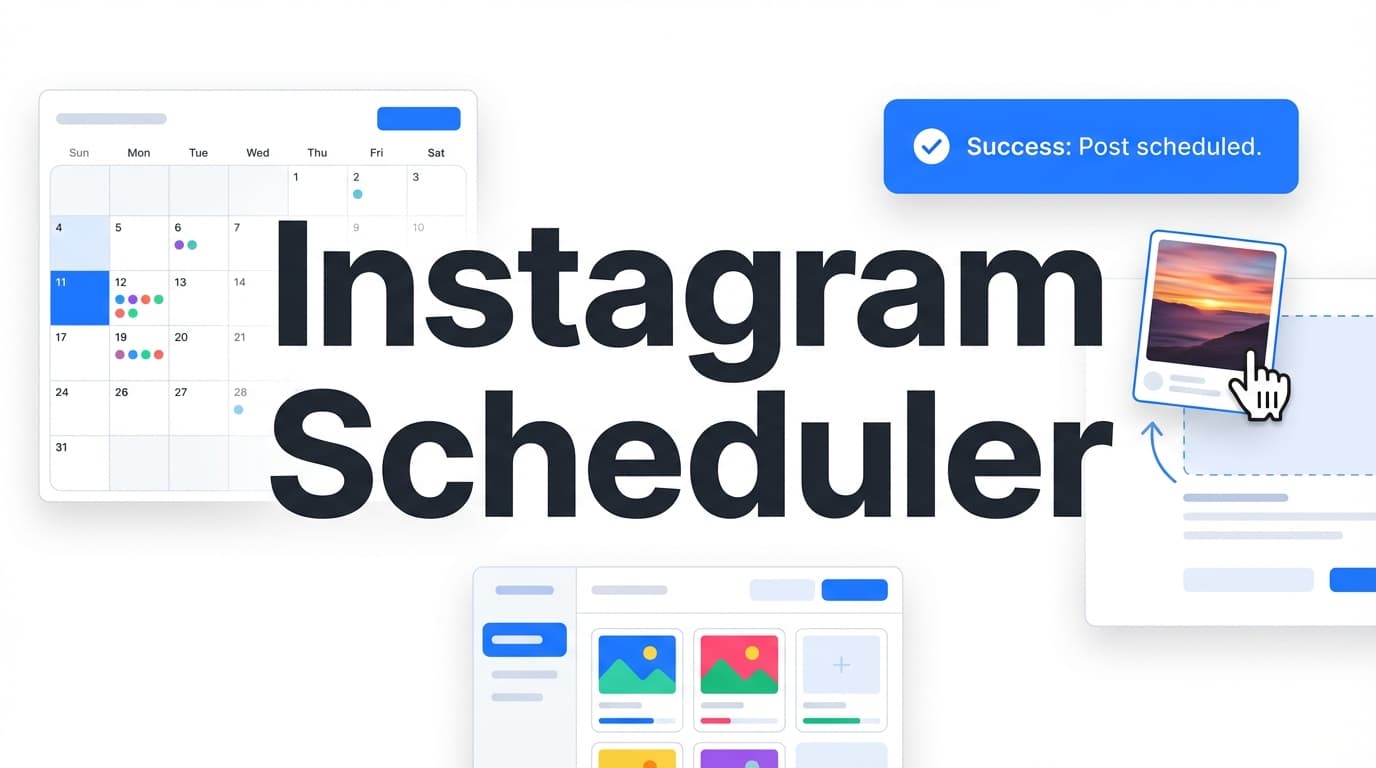
The calendar shows scheduled and published posts by date, with your posting streak so you can see how regularly you post.
AI for Captions and Images
Ask the assistant for a caption, hashtags or a proofread, and make images with AI. Each text change waits for you to accept it.
What You Can Schedule to Instagram
Every format Instagram lets scheduling apps post:
Text-only posts aren't possible on Instagram, so every post needs at least one image or a video.
How to Schedule Instagram Posts
Connect and Plan the Grid
Connect your Instagram Business or Creator account. If the look of your grid matters, try the order of your next posts in the free Grid Planner first.
Add Media and a Caption
Upload your images or video, bring them in from Google Drive, or make an image with AI. Ask the assistant for a caption and hashtags, or try the free Caption Generator.
Pick a Time
Choose the date and time. Our servers publish it then, even with your laptop closed.
| Feature | What It Does | Why It Matters |
|---|---|---|
| Reels and Stories | Publishes video as Reels, and image or video Stories | Your short videos go out on schedule |
| Free grid planner | Drag images into order and preview the grid | See how posts sit together before you schedule |
| Cross-Posting | Sends the same post to TikTok, X or LinkedIn | One upload for several networks |
| Content Groups | Keeps each brand or client separate | Useful if you run several Instagram accounts |
PostQuickAI Compared with Meta Business Suite
Meta Business Suite is free and covers Facebook and Instagram. PostQuickAI adds more networks and AI help.
01 Calendar
One calendar for Instagram and every other network you post to.
02 More Networks
Send the same post to TikTok, LinkedIn, YouTube and X as well.
03 AI Help
Captions, hashtags and images in the composer instead of separate apps.
Plan Next Week's Instagram Posts
Pick your images, let the assistant draft the captions and schedule the whole week in one sitting. Every plan includes Reels, Stories and the AI assistant. Your first plan starts with a 7-day free trial (card required).
Related Tools & Guides
Questions about Scheduling on Instagram
Yes, Instagram lets some professional accounts schedule some formats in the app. A separate scheduler like PostQuickAI adds a calendar, an AI assistant and posting to other networks from the same draft.
Yes. PostQuickAI publishes single-image posts, carousels, Reels and Stories straight to Instagram at the time you set, with no reminder on your phone.
Yes, image and video Stories. They are resized to 1080×1920 before they post.
Yes, with up to 10 images.
Yes. Any video you schedule to Instagram is published as a Reel.
Yes, or a Creator account. Instagram only lets scheduling apps post to those account types.
Yes. Our servers publish them at the scheduled time.
Yes, with the free Instagram Feed Planner on our site: upload images, drag them into order and see the 3-column grid. The grid preview is a separate tool, not part of the scheduler.
Yes. The assistant in the composer writes captions in your brand voice and can proofread them or change the tone; you accept or discard each suggestion. The free AI Caption Generator also gives 3 options for the tone, network and length you pick.
Plans start at $15/month for up to five brands (content groups). Every plan publishes Reels, carousels and Stories and includes the AI assistant. Your first plan has a 7-day free trial; a card is required, and if you cancel before the trial ends you pay nothing.
Yes. Tick other networks and the same post goes there too. Each network has its own rules; TikTok photo posts, for example, need 2 or more images.
Schedule next week's posts today
Connect your accounts, write a post or ask the assistant for a draft, and pick a time. Our servers publish it on time, even with your laptop closed.
Plans from $15/month. Your first plan has a 7-day free trial, card required. Cancel before it ends and you pay nothing.
See plansWatch the demo